
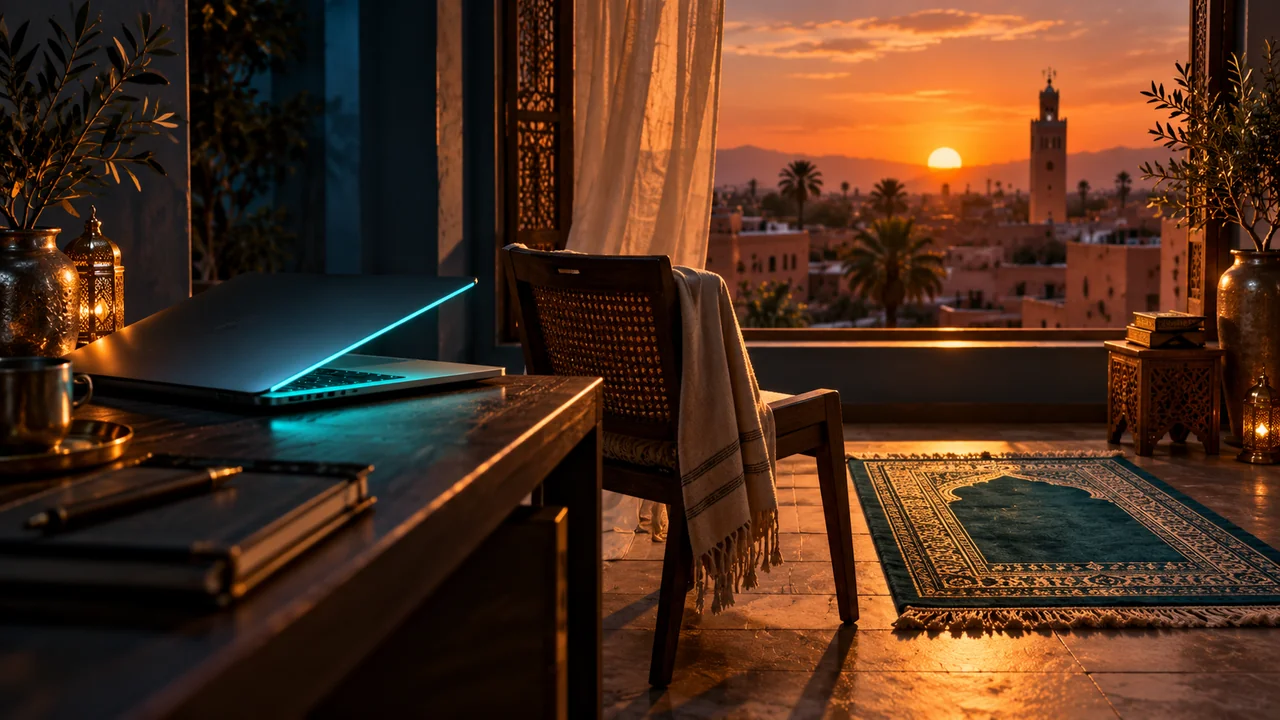
Maghrib can feel harder to plan than a fixed evening appointment because sunset moves through the seasons. An afternoon activity that once ended comfortably beforehand may later run into the prayer window. At home, the friction is often different from work: one more video, message, or task turns a short delay into an unplanned evening on the screen.
Treat Maghrib as a transition point. Decide what needs to be finished before it, what can wait until after, and whether you want to return to the Mac at all. A useful plan follows the changing time rather than assuming one clock hour will work all year.
Plan with today's time, not last month's habit
Check the current Maghrib time from a trusted local timetable. If you use a calendar, update the protected window as sunset moves or use a reliable prayer-time tool rather than a fixed daily alarm. Review any commute, class, or family activity that ends near the window. A small seasonal change can make a previously comfortable routine feel rushed.
Be clear whether a displayed mosque time is the prayer start or the time of congregational prayer. Different labels describe different events. If two apps disagree, resolve the location and method before relying on a lock. The goal is to protect the correct time, not to make an automation run with false confidence.
Give the afternoon a closing ritual
A few minutes before the planned stop, save the current work, close the distracting tab or app, and choose what will happen after prayer. If the task can wait until tomorrow, write that decision down. If you intend to return, leave one precise next step. Either option is better than letting an open screen make the decision for you.
If you share an evening with family, tell them when you expect to be available. A visible transition reduces the odds that one person is still half-engaged with the Mac while everyone else has moved to a different part of the day.
| Before | At the stop | After |
|---|---|---|
| Check today's local time | Leave the Mac | Choose work or family time |
| Save and close open loops | Pray | Return only to a named task |
| Tell others your availability | Avoid one-more-minute drift | Review the evening boundary |
Add only the control you need
An alert can be enough when you are already willing to close the screen. A selected app block can help if a specific entertainment app keeps you seated. A short prayer lock provides a stronger pause, but it removes normal Mac access for its duration. Test the behavior when no urgent task depends on the computer.
AlMiQaT supports a separate Maghrib prayer lock, optional advance warnings, and optional Adhan. Check the time, offset, and duration before enabling it, especially after travel. Know your Mac password and save your work. Use the controls to support a routine you understand, not to replace checking the timetable.
Choose what the evening is for
After prayer, decide whether the Mac should reopen. If you need to finish work, return to a named task for a bounded period. If the evening is for family or rest, leave the computer closed and move to that activity. A prayer break can become the moment you intentionally change the type of attention you give the rest of the day.
Revisit the plan as sunset moves. If you repeatedly arrive late, move the preparation cue; if screen time expands after prayer, set a separate end-of-work rule. Maghrib does not have to carry the whole evening routine alone, but it can provide a reliable anchor for it.
A worked example and review
Picture a winter weekday when Maghrib arrives much earlier than it did during the summer. A fixed 6 p.m. reminder may now be too late for your chosen timetable. Put a quick weekly review on your calendar: check the coming days' Maghrib times and compare them with the end of work, school pickup, or commute. The exact minute matters less here than noticing that a once-comfortable buffer has disappeared.
If you are still working when the preparation cue sounds, write down the one thing that must be preserved: the open file, a message to send later, or the next decision. Save and close. If you intend to come back after prayer, tell yourself and anyone waiting what task you will do and for how long. If you intend to end screen work, move the Mac away from the place where you will spend the evening.
A different challenge appears on a quiet weekend. There may be no external meeting to force a stop, only entertainment or casual browsing. A reminder can be enough if you act on it. If a single app keeps the session going, block that app during a short protected window. A device lock is another choice, but test it in advance; the aim is to support a chosen transition, not surprise yourself with unavailable access.
At the end of the week, ask whether the problem occurred before Maghrib or after it. A late departure calls for an earlier preparation cue or a smaller final task. A long post-prayer screen session calls for a separate evening decision. Treating those as two problems prevents you from blaming the prayer reminder for an unrelated habit later in the night.
Questions to ask before relying on the routine
Ask whether your real goal is to pray on time, end work, or change the quality of the evening. Those goals overlap but are not identical. A prayer reminder can address the first; a closing checklist can address the second; moving the laptop and choosing a family or personal activity can address the third. If you try to make one device lock accomplish all three, you may be disappointed when the Mac becomes available again and the old pattern returns. Name the goal before choosing the setting.
Check also how often the Maghrib window moves into another commitment. A commute may shift, or sunset may arrive before an activity ends as the season changes. Put a recurring review on the calendar so you notice this before a rushed day. If the timetable is uncertain, use your trusted local source and verify the city and date. If the workday genuinely cannot stop at the planned moment, prepare a specific alternate handoff instead of silently treating every exception as a failure. Consistency grows from realistic planning and review, not from refusing to acknowledge changing circumstances.
For the coming week, check the actual Maghrib times instead of relying on a fixed evening clock. Decide what will be closed before prayer and whether the Mac should reopen afterward. Put that decision in writing if your evenings tend to drift. If an app repeatedly prevents the stop, test a narrow block; if the whole screen is the obstacle, test a brief lock with your password confirmed. Review the outcome after prayer too, because a good transition does not end when the lock timer does.
Put it into practice
Explore the details and keep the routine that fits your day.